
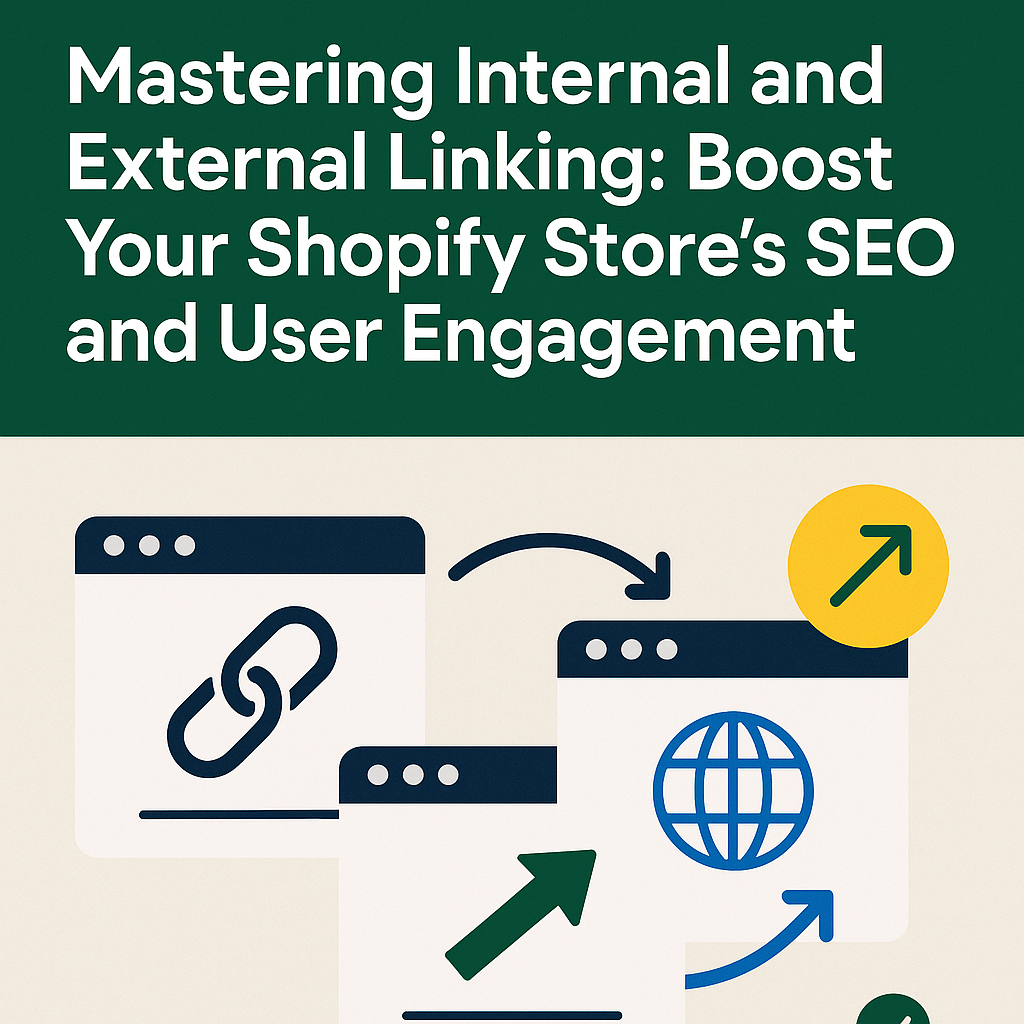
In the competitive world of eCommerce, having a well-optimized Shopify store goes far beyond uploading products and tweaking your theme. One of the most overlooked—yet highly effective—ways to improve your store’s visibility and user experience is through strategic internal and external linking. At Shop Optimizers, we specialize in fine-tuning every SEO element of your store, and this article will guide you through one of the most impactful tactics available.
What is Internal Linking and Why It Matters

Internal linking refers to connecting one page of your website to another. These links help search engines crawl and index your site more effectively, and they guide users to related content, keeping them on your site longer.
For example, if you’re writing a blog post about SEO strategies, you can link to your Product Page Optimization service. This not only aids navigation but also signals to Google that this is an important page.
Benefits of Internal Linking:
- Boosts SEO by distributing link equity
- Improves user experience and time on site
- Supports content hierarchy and architecture
Internal Linking Best Practices for Shopify

- Use Descriptive Anchor Text: Instead of saying “click here,” use keyword-rich phrases like “optimize your Shopify product pages.”
- Link to Related Products or Collections: On a product page for baseball gloves, link to the broader gloves collection.
- Highlight Cornerstone Content: Give more internal links to high-value pages like your services overview.
- Audit Your Links Regularly: Use tools to check for broken or outdated links to maintain your store’s authority.
Why External Links Build Authority

External links point from your Shopify site to another reputable domain. Done correctly, they show search engines that you’re providing additional value and context.
Trusted External Resources:
You should also focus on earning backlinks by writing guest posts, publishing high-quality blog content, and sharing on social media. These actions increase your domain authority and organic rankings.
How to Implement Linking Strategies in Shopify

Shopify makes linking relatively easy:
- Use the built-in rich text editor in product pages and blogs to add internal or external links.
- Use apps to automate internal linking, or let experts like Shop Optimizers handle it.
- Consider adding links in your navigation, footers, and even your product descriptions for better user flow.
Common Pitfalls to Avoid

- Overstuffing Anchor Text: Don’t cram every keyword into a single link.
- Irrelevant Linking: Only link to truly related content. Forced links reduce credibility.
- Neglecting Mobile Experience: Ensure links are tappable and readable on all devices.
Final Thoughts

Strategic internal and external linking is a foundational part of any successful SEO strategy for Shopify. It enhances user engagement, supports SEO rankings, and helps structure your site more intuitively.
Ready to take your Shopify store to the next level? Check out our Internal Linking Strategies service at Shop Optimizers and start building a more connected, SEO-friendly site today.