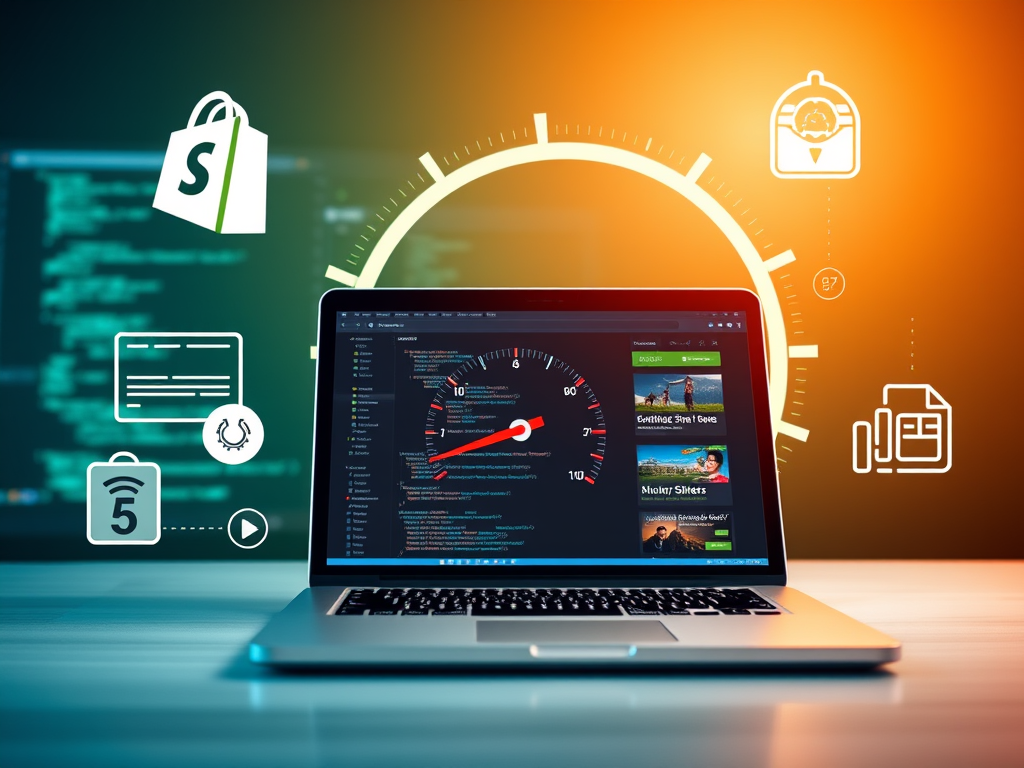


In today’s fast-paced digital world, website speed is a critical factor in the success of any online store. When it comes to Shopify, optimizing your site’s speed can mean the difference between high conversion rates and abandoned carts. This blog will explore why Shopify store speed optimization matters, effective strategies to enhance your site’s performance, and the best tools and services to achieve lightning-fast load times.
Why Shopify Store Speed Optimization Matters
1. Enhanced User Experience
A slow website frustrates visitors, leading to higher bounce rates. According to Google’s research, 53% of mobile users abandon a site that takes longer than three seconds to load. Optimizing your Shopify store’s speed ensures a seamless browsing experience, keeping users engaged.
2. Improved SEO Rankings
Site speed is a crucial ranking factor for search engines like Google. A faster Shopify store not only improves user experience but also enhances your visibility in search engine results. The better your rankings, the more organic traffic your store will attract.
3. Higher Conversion Rates
Studies show that every second of delay in page load time can result in a 7% reduction in conversions. Fast-loading Shopify stores create a frictionless shopping experience, encouraging visitors to complete purchases.

Common Issues Slowing Down Shopify Stores
- Heavy Images: Uncompressed images increase page load times.
- Excessive Apps: While Shopify apps add functionality, too many can bloat your site.
- Unoptimized Code: Excessive or unclean code slows down page rendering.
- External Scripts: Scripts like chat widgets and tracking codes can impact speed.
Effective Strategies for Shopify Speed Optimization
1. Optimize Images
Images often take up the most significant portion of a webpage’s weight. Use tools like TinyPNG or ImageOptim to compress images without compromising quality. Ensure you use the correct file formats, such as JPEG for photos and PNG for graphics with transparency.
2. Minimize Apps
Evaluate your installed Shopify apps and remove those you no longer use. For necessary functionality, opt for lightweight alternatives. Many features can be achieved through custom coding rather than relying on third-party apps.
3. Use a Fast Theme
Not all Shopify themes are created equal. Choose a theme optimized for speed, such as Debutify or Turbo. Lightweight themes reduce the amount of unnecessary code and improve load times.
4. Leverage Lazy Loading
Lazy loading ensures images and other resources are only loaded as users scroll down the page. This significantly reduces initial load times and enhances the perceived performance of your store.
5. Implement Browser Caching
Browser caching stores frequently accessed files locally on users’ devices, reducing the need to re-download resources. Shopify’s Content Delivery Network (CDN) already supports caching, but additional configuration can improve results.
6. Minify CSS, JavaScript, and HTML
Minification removes unnecessary characters, spaces, and comments from your code. Tools like Minify Code can help streamline your files, reducing their size and boosting speed.

Tools and Services to Optimize Shopify Speed
1. Google PageSpeed Insights
This free tool analyzes your site’s performance on both mobile and desktop devices, providing actionable recommendations.
2. GTmetrix
GTmetrix offers a comprehensive analysis of your Shopify store’s speed and provides suggestions for improvement.
3. Shopify’s Built-In Tools
Shopify has a performance dashboard in its admin panel that highlights areas for speed improvement.
4. Professional Services
Consider hiring experts like Shop Optimizers to perform a thorough analysis and implement advanced techniques. They also offer site speed enhancement services tailored for Shopify stores.
How Shop Optimizers Can Help
At Shop Optimizers, we specialize in enhancing Shopify store performance. Our services include:
- Image Optimization: Reduce file sizes while maintaining quality.
- Code Minification: Clean and streamline your site’s codebase.
- App Audit: Identify and remove unnecessary apps slowing your store.
- Lazy Loading Implementation: Improve load times for image-heavy pages.
Learn more about our site speed enhancements and see how we can help your store achieve peak performance.
External Resources for Further Learning
- Google’s Web Vitals: Understand the metrics Google uses to measure site performance.
- Shopify Help Center: Explore Shopify’s documentation on site optimization.
- Moz Blog: Stay updated with the latest SEO and performance optimization strategies.
Conclusion
Optimizing your Shopify store’s speed is no longer optional—it’s essential for staying competitive in the e-commerce landscape. By addressing common performance issues, using the right tools, and leveraging professional services like those offered by Shop Optimizers, you can provide an exceptional shopping experience, improve your SEO rankings, and boost your bottom line.
Don’t let a slow website hold you back. Start optimizing your Shopify store today and watch your sales soar!