

Fast-loading Shopify stores don’t just improve user experience — they drive higher conversions and better rankings on Google. Site speed is a core ranking factor for technical SEO, and slow websites lead to higher bounce rates and lost sales.
At Shop Optimizers, we help Shopify store owners implement smart, technical SEO fixes that speed up their sites without sacrificing design or functionality.
Here’s what you need to know about optimizing your Shopify site for faster performance and higher visibility.
1. Minimize and Compress Code

Shopify themes often come with bloated CSS, JavaScript, and Liquid code.
Best practice:
- Minify your CSS and JavaScript files using Shopify’s built-in tools or apps like TinyIMG or Page Speed Optimizer.
- Remove unused code or scripts from old apps.
- Combine files where possible to reduce HTTP requests.
Internal Tip: At Shop Optimizers, we offer a full Shopify Site Speed Audit to uncover code issues holding your store back.
2. Optimize Images for Speed
Large, unoptimized images are the #1 culprit of slow Shopify pages.
What to do:
- Compress images using WebP format for Shopify.
- Resize images before uploading — don’t rely on CSS resizing.
- Use lazy loading for product and banner images.
Recommended tool: Shopify’s built-in image optimizer or external apps like TinyIMG.
3. Implement Lazy Loading
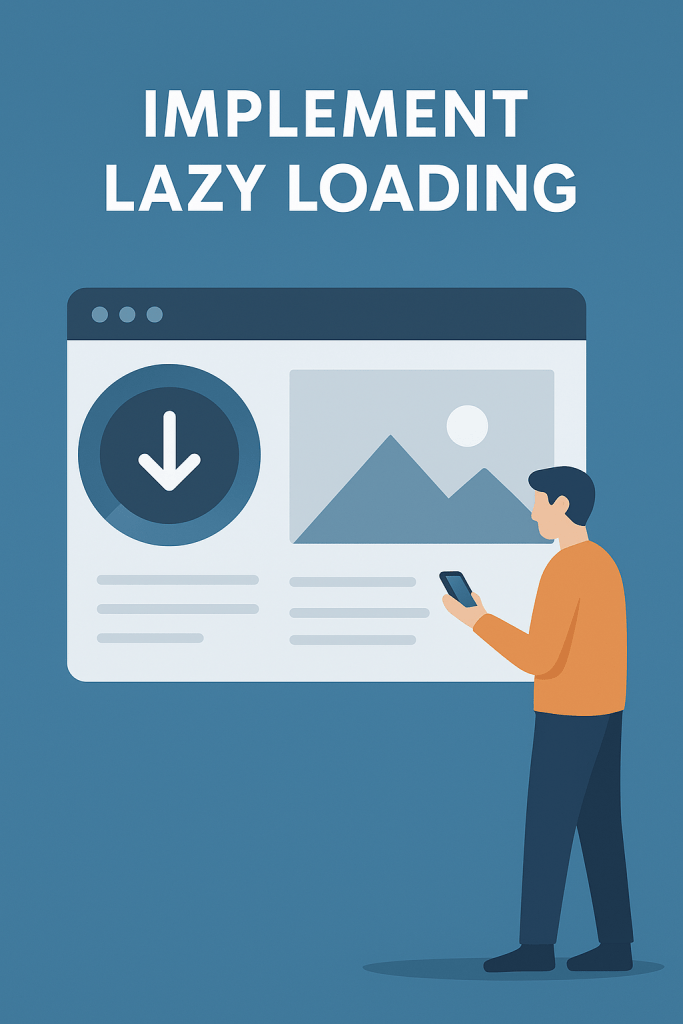
Lazy loading delays loading images, videos, and sections until users scroll to them. This improves load time for the above-the-fold content and boosts Google’s Core Web Vitals.
How to enable:
- Shopify 2.0 themes often support lazy loading natively.
- Otherwise, custom code or apps like Lozad.js can enable this functionality.
4. Remove Unused Shopify Apps
Every installed app can inject code, slowing down your site.
Best practice:
- Delete unused apps from your Shopify Admin.
- After removing, manually check your theme.liquid file for leftover scripts.
Need help? Our Shopify Optimization Services include complete app audits and cleanup.
5. Enable Shopify’s Built-In Performance Features
Shopify is constantly evolving its performance tools:
- Enable “Online Store Speed Report” in your dashboard.
- Use Shopify’s image CDN for automatic compression.
- Use Shopify Markets for geo-location optimization.
Final Thoughts
Technical SEO isn’t just about keywords — it’s about user experience. Fast-loading Shopify stores convert better, rank higher, and provide a seamless customer journey.
Ready for a professional site speed and SEO audit? Contact Shop Optimizers today and let us help you turn your Shopify store into a sales machine.