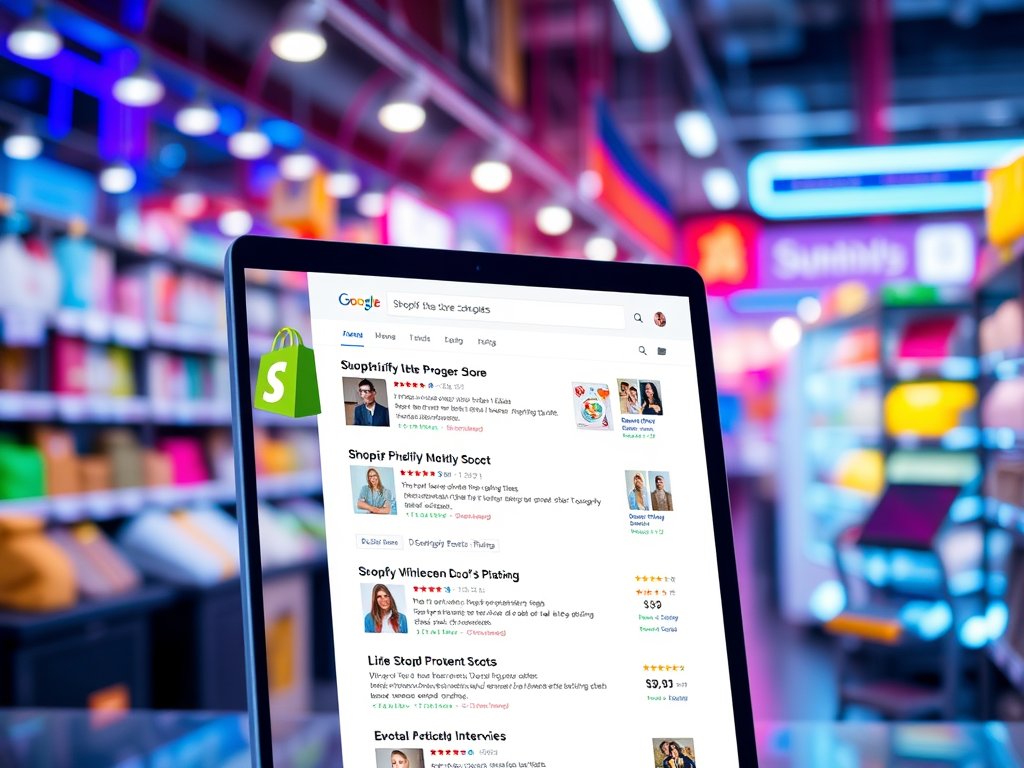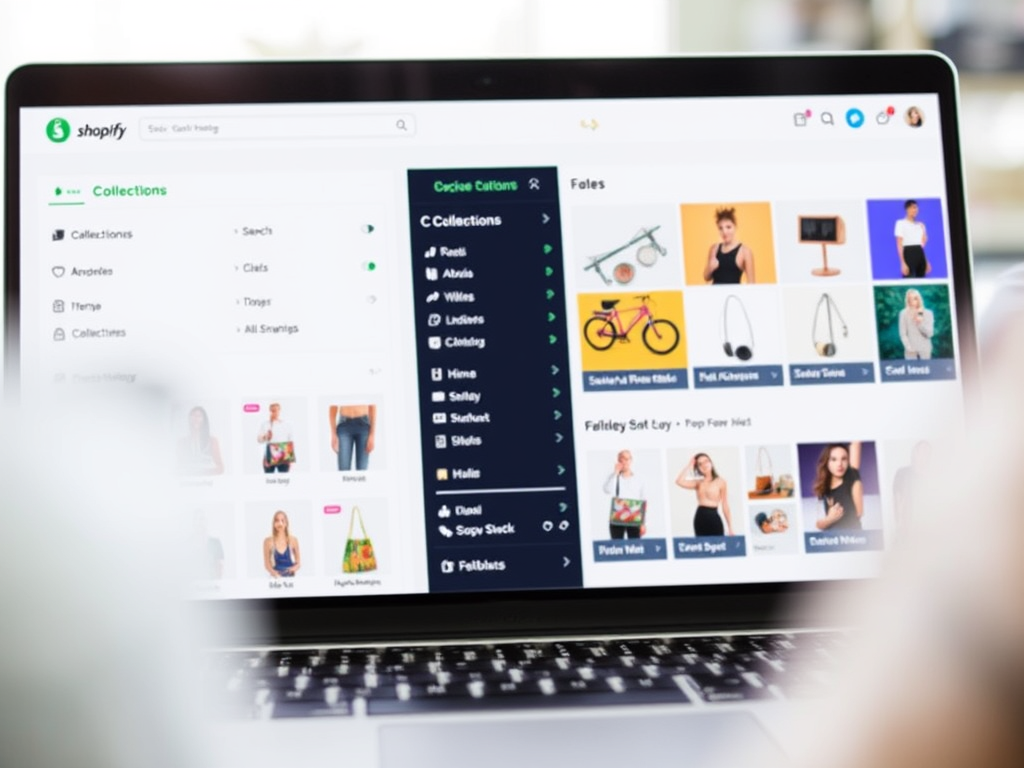


In the competitive world of e-commerce, ranking higher on search engines like Google can make or break your Shopify store’s success. One often-overlooked yet powerful way to boost your SEO (Search Engine Optimization) is by optimizing your Shopify meta tags. These small snippets of code tell search engines what your pages are about, helping you attract the right customers. In this guide, we’ll walk you through how to optimize your Shopify meta tags step-by-step, ensuring your store climbs the rankings and drives more traffic.
What Are Meta Tags and Why Do They Matter?

Meta tags are HTML elements embedded in your website’s code that provide search engines with information about your pages. The two most critical meta tags for SEO are:
- Meta Titles: The clickable headline that appears in search results.
- Meta Descriptions: The short summary beneath the title that entices users to click.
When optimized, these tags improve your click-through rate (CTR), signal relevance to search engines, and enhance your store’s visibility. Shopify makes it easy to edit these tags without coding skills, so let’s dive into how to do it right.
Step 1: Craft Compelling Meta Titles
Your meta title is your first impression in search results, so make it count. Here’s how to optimize it:
- Keep It Under 60 Characters: Google truncates longer titles, so stay concise. For example, “Best Running Shoes for Men | ShopOptimizers” fits perfectly.
- Include Your Target Keyword: Place your primary keyword (e.g., “running shoes”) near the beginning for better ranking potential.
- Add Your Brand Name: Including “ShopOptimizers” at the end boosts brand recognition.
- Make It Unique: Every page (homepage, product, collection) should have a distinct title to avoid duplicate content issues.
In Shopify, head to Online Store > Pages or Products, select a page or product, and scroll to the “Search engine listing preview” section to edit your meta title.
Step 2: Write Click-Worthy Meta Descriptions
While meta descriptions don’t directly impact rankings, they influence CTR, which is a ranking factor. Here’s how to optimize them:
- Limit to 160 Characters: Keep it short and sweet to avoid truncation.
- Use Action Words: Phrases like “Shop now,” “Discover,” or “Save big” encourage clicks.
- Incorporate Keywords Naturally: Include your target keyword (e.g., “Shopify SEO tools”) without stuffing.
- Highlight Benefits: For example, “Boost your Shopify store with expert SEO tips from ShopOptimizers.”
Edit these in the same “Search engine listing preview” section in Shopify. Need inspiration? Check out our Shopify SEO Checklist for more tips.
Step 3: Optimize for Product and Collection Pages

For e-commerce stores, product and collection pages are goldmines for traffic. Here’s how to tailor their meta tags:
- Product Pages: Use specific details like “Men’s Blue Running Shoes – 50% Off | ShopOptimizers” for titles and “Get durable, lightweight running shoes at ShopOptimizers. Free shipping!” for descriptions.
- Collection Pages: Try “Women’s Sneakers Collection | ShopOptimizers” and “Explore trendy women’s sneakers with fast delivery from ShopOptimizers.”
Pro tip: Use Shopify apps like Smart SEO to automate this process for larger catalogs.
Step 4: Leverage Internal and External Links
Linking enhances your meta tag strategy by improving site structure and authority:
- Direct users to related content on your site. For example, link “Shopify SEO tools” to our Shopify SEO Services page. This keeps visitors engaged and boosts page authority.
- Reference trusted sources like Google’s SEO Starter Guide to build credibility with search engines.
Step 5: Monitor and Refine Your Results
SEO isn’t a set-it-and-forget-it task. Use tools like Google Search Console to track how your meta tags perform. Look at impressions, clicks, and CTR to see what’s working. If a product page isn’t ranking, tweak the keyword or description and test again.
Bonus Tips for Shopify Meta Tag Success
- Avoid Keyword Stuffing: Overusing keywords like “Shopify SEO, SEO Shopify, Shopify rankings” looks spammy and hurts rankings.
- Use Schema Markup: Add structured data (e.g., product ratings) via Shopify apps to enhance your search listings with rich snippets.
- Stay Updated: Google’s algorithm evolves, so revisit your meta tags quarterly. Our ShopOptimizers Blog keeps you in the loop on the latest trends.
Conclusion
Optimizing your Shopify meta tags is a simple yet effective way to climb search engine rankings and drive more traffic to your store. By crafting concise, keyword-rich titles and compelling descriptions, you’ll not only impress Google but also entice customers to click. Ready to take your Shopify SEO to the next level? Explore our Shopify Optimization Services or dive deeper with our Ultimate Shopify SEO Guide.